
A buyer asks about a two-bedroom apartment, receives a brochure, and then disappears from the team's follow-up list. The missing detail is often simple: nobody recorded whether the buyer wanted ready possession, had a suitable budget, or could visit the project this weekend.
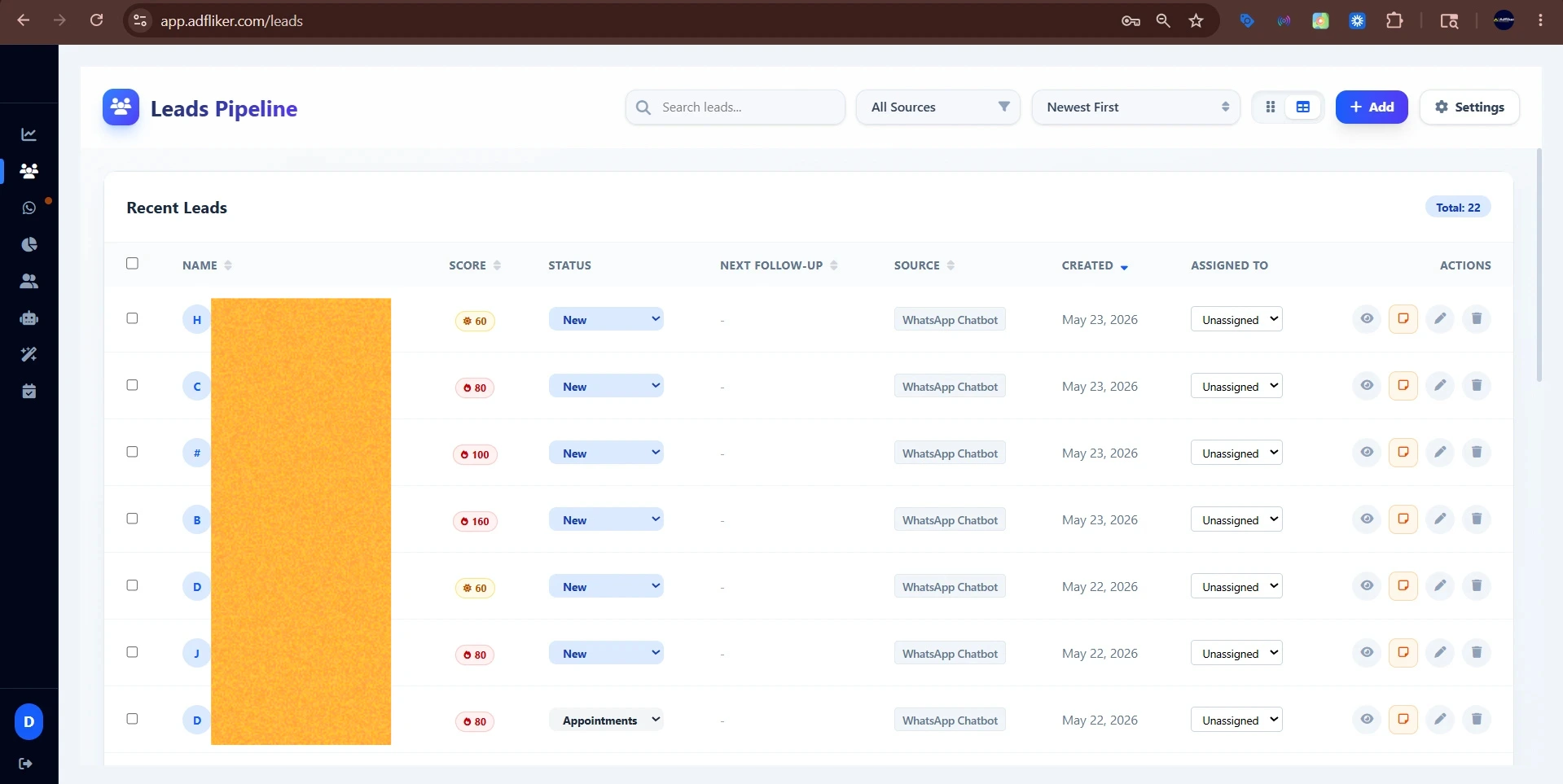
A real estate WhatsApp CRM should help your team answer those questions. ADFLIKER connects Meta Lead Ads capture, WhatsApp conversations, chatbot qualification and a configurable sales pipeline. Here is a practical way to configure that workflow for a broker, developer or channel partner.
Decide what makes a property enquiry ready for a call
Start with the project and details already supplied in the ad form. Do not ask the buyer to repeat them. Use a short conversation to fill the gaps:
- Location: which neighbourhood or project are they considering?
- Requirement: apartment size, plot or commercial space?
- Budget: what range are they comfortable discussing?
- Timing: are they researching, ready to visit, or planning for later?
Ask one question at a time. A buyer outside the current project's budget may still suit another property; a buyer researching for next year belongs in a later follow-up group. Neither should be marked ready for a site visit just because they replied. The WhatsApp chatbot qualification guide explains how to keep this handover clear.
Make the first WhatsApp message specific
Illustrative draft, to adapt before use:
Hi [name], this is [agent] from [business]. You enquired about [project] through our ad. Are you looking for a home for yourself or comparing investment options? I can help you check the available layouts.
Use the correct project name and identify the business. An agent should verify current availability and pricing before sharing either. Use the greeting to start a conversation, then confirm the details of any unit, discount or booking with the agent.
Separate a scheduled visit from an attended visit
Configure a pipeline such as New enquiry → Requirements discussed → Visit scheduled → Visit attended → Decision pending → Booked. Keep separate outcomes for later interest and enquiries that do not match your inventory.
Assign an owner and record the next action for each active lead. Share an appointment booking link when a buyer wants to visit, then have the agent check the meeting point, project access and any availability constraints. Update the stage after the visit actually takes place. A cancelled appointment should not stay in “Visit attended”.
Follow up on the buyer's question
After a visit, ask what remains undecided: layout, possession date, total price or financing discussion. A useful follow-up addresses that question. Sending the same brochure repeatedly gives the agent little new information.
For a project update, select only relevant contacts who want those updates, and remove people who have asked to stop. Our WhatsApp broadcasting guide covers audience selection. If your business also handles fit-out enquiries, use a separate interior design lead workflow to record possession status and renovation scope.
Measure attended visits, not just collected leads
Review new enquiries, meaningful replies, scheduled visits, attended visits and bookings by project and lead source. For visits scheduled in a chosen period, divide the number attended by the number scheduled. Record cancellations consistently so you can compare one period with another. If replies are healthy but visits are low, inspect project fit and the booking handover before increasing ad spend.
Explore ADFLIKER's CRM features or request a demo with one project and its actual follow-up stages. Test the complete journey with a sample lead before connecting every campaign.