
A student enquiry, a visitor enquiry and a question about relocating for work need different conversations. Putting all three into the same “call back” list makes it harder for a consultancy to prepare for the first discussion.
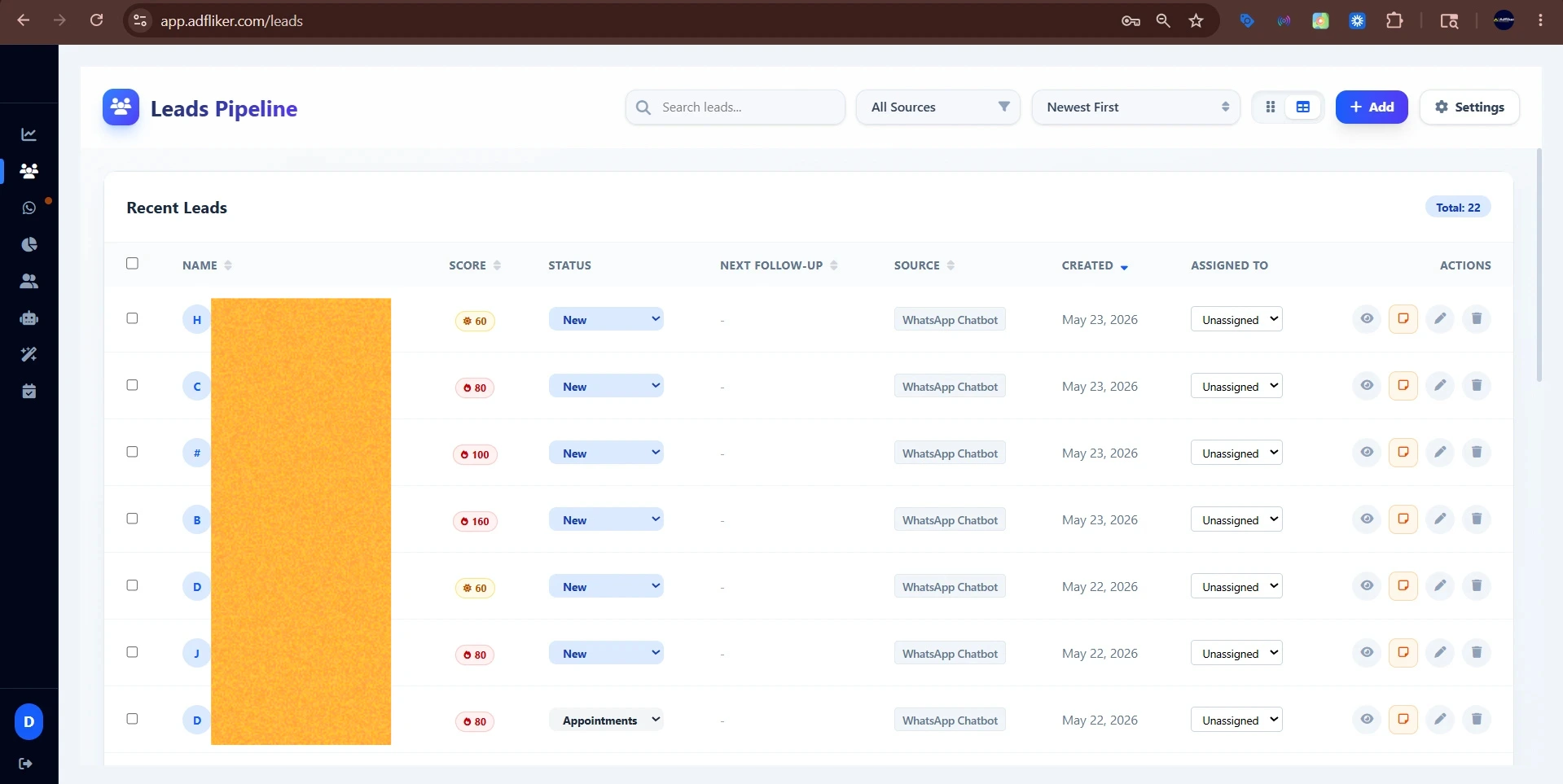
For visa and immigration consultants, a WhatsApp CRM is useful when it keeps enquiry handling separate from professional advice. ADFLIKER can capture Meta Lead Ads enquiries, collect basic preferences through a chatbot, keep conversations with the lead record and provide an appointment booking link. The workflow below is a configuration example for managing consultations.
Collect enough context to arrange the right conversation
Your initial intake does not need to resemble an application form. Ask for the destination of interest, the broad service requested, the person's preferred time to speak and their planning timeline. If a detail is already in the ad form, confirm it only when necessary.
A helpful opening might be:
Illustrative draft: Hi [name], this is [business]. Thanks for your enquiry about [service]. Which destination are you considering, and would you prefer an initial phone call or a video consultation? A consultant will discuss your questions with you.
Do not turn an intake answer into an eligibility decision. “Interested in a study consultation” is a useful CRM label; “eligible for a visa” requires a different assessment. Keep automated replies focused on your service, contact details and booking process. See our chatbot lead qualification guide for structuring the conversation.
Give each enquiry an owner and a clear next step
Use the destination and service requested to help your team assign a suitable consultant. Define who checks unassigned enquiries when staff are busy. A practical pipeline might be New enquiry → Contact made → Consultation offered → Consultation booked → Consultation attended → Next step agreed.
Keep “waiting for reply” and “revisit later” visible as separate outcomes. Record what the person requested and when they agreed to hear from you again.
Explain the consultation before sending a booking link
State the meeting format, expected duration, any consultation fee and what will be covered. Then share the appointment booking link from the conversation. Treat the booking as a time reservation and handle any consultation payment as a separate step.
Have the consultant review the enquiry before the call. If the person asks about requirements, processing times or likely outcomes, arrange a response from an appropriately qualified adviser using current official information. Avoid copying old answers into automated messages.
Handle slower decisions without a generic message sequence
If someone is planning for a later intake or travel date, ask when a follow-up would be useful. The next message could offer a consultation or answer an unresolved service question. Stop follow-up when the person asks you to stop.
Keep initial lead intake to basic contact and enquiry details. When documents become necessary, explain how the client should submit them through your business’s document collection process. Review the official WhatsApp API setup guide before configuring business messaging.
Review the enquiry process each week
Compare enquiries contacted, consultations booked, consultations attended and requests still awaiting a response. If many bookings do not become attended meetings, review the fee explanation, timing and handover. Count completed consultations separately from application outcomes: they measure different things.
Review ADFLIKER's lead management features, then book a workflow demo using one enquiry type. Test the intake questions and booking handover before expanding to other services.